A file supplies evidence available at a specific moment. Interpretation requires knowing what it includes and leaves out.
Start with a question that could change a decision
A business selling training to organizations wants to understand why service lines receive different enquiries. The team has a CSV prepared from MetriQ and an upcoming paid media meeting. Before opening the file, write down the decision being considered: reviewing a message, investigating a result difference or preparing a question for sales. Simply requesting a general analysis may produce a long reading that does not resolve the team’s concern.
Check what the file represents
Review brands, accounts, platforms, periods and column meanings. Confirm whether it contains campaigns, ads or another information level and whether it covers the entire window needed. Similar names do not prove two rows represent the same offering. Retain a reference to the delivery and avoid including personal data irrelevant to the question. Anything absent from the file should not be filled in with assumptions.
Bring the question to the Ads Thinking Orb
Wiwo.Ads allows a MetriQ CSV to be attached to the Thinking Orb for analysis alongside a campaign question. Explain what you want to compare and which commercial context the reading needs. The feature works with the file supplied; it does not mean every source is continuously synchronized or that an automatic two-way connection exists. If the material changes later, the team must recognize which version was used.
Check the response against relevant rows
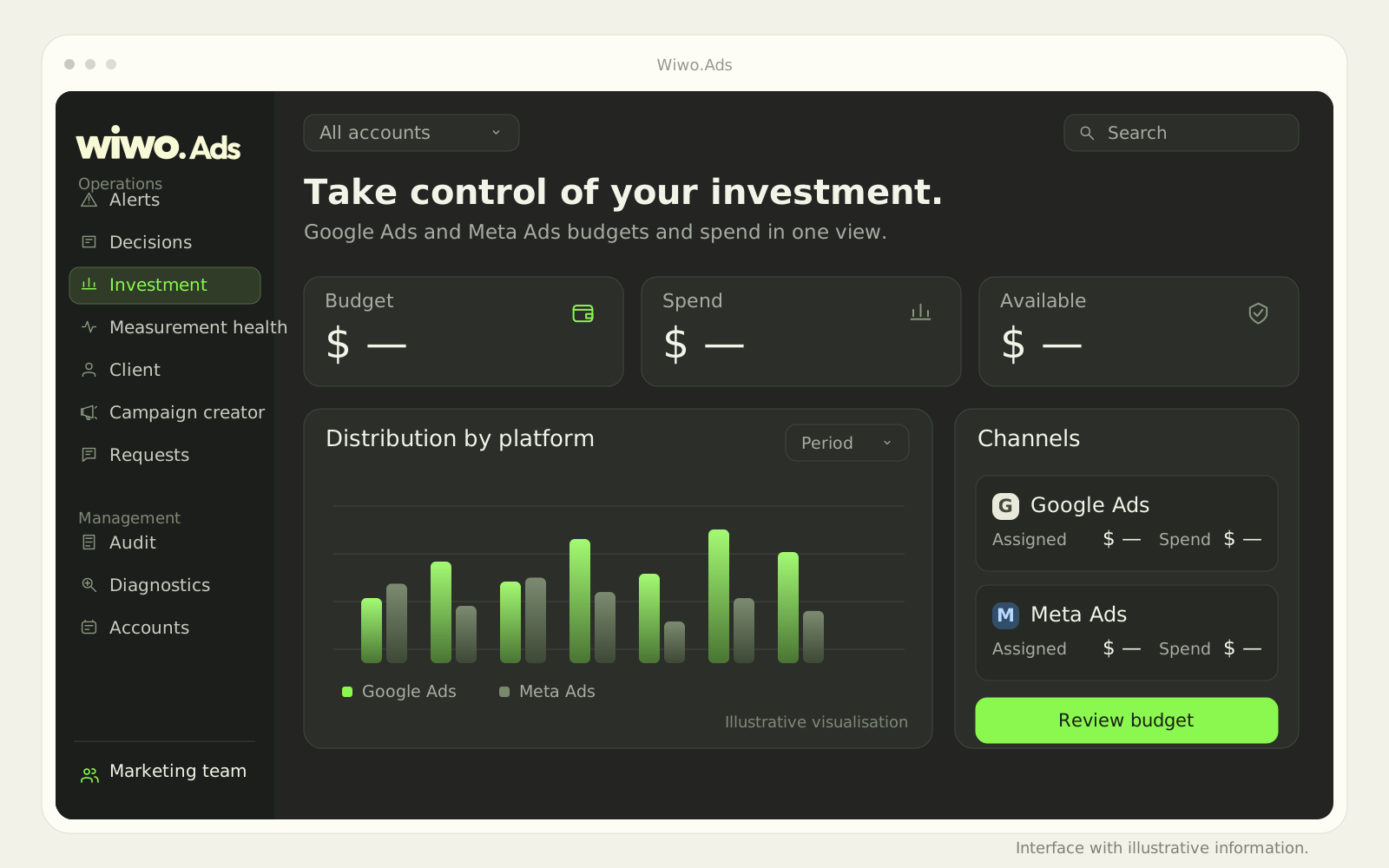
Verify which observations are supported by the file and which interpretations require more information. If a difference is explained through contacts’ commercial quality, ask whether that information actually exists in the material. An advertising result cannot fill in the sales story by itself. Return to relevant accounts, campaigns and periods before sharing a conclusion as though it were confirmed by the data.
Turn the finding into a reviewable proposal
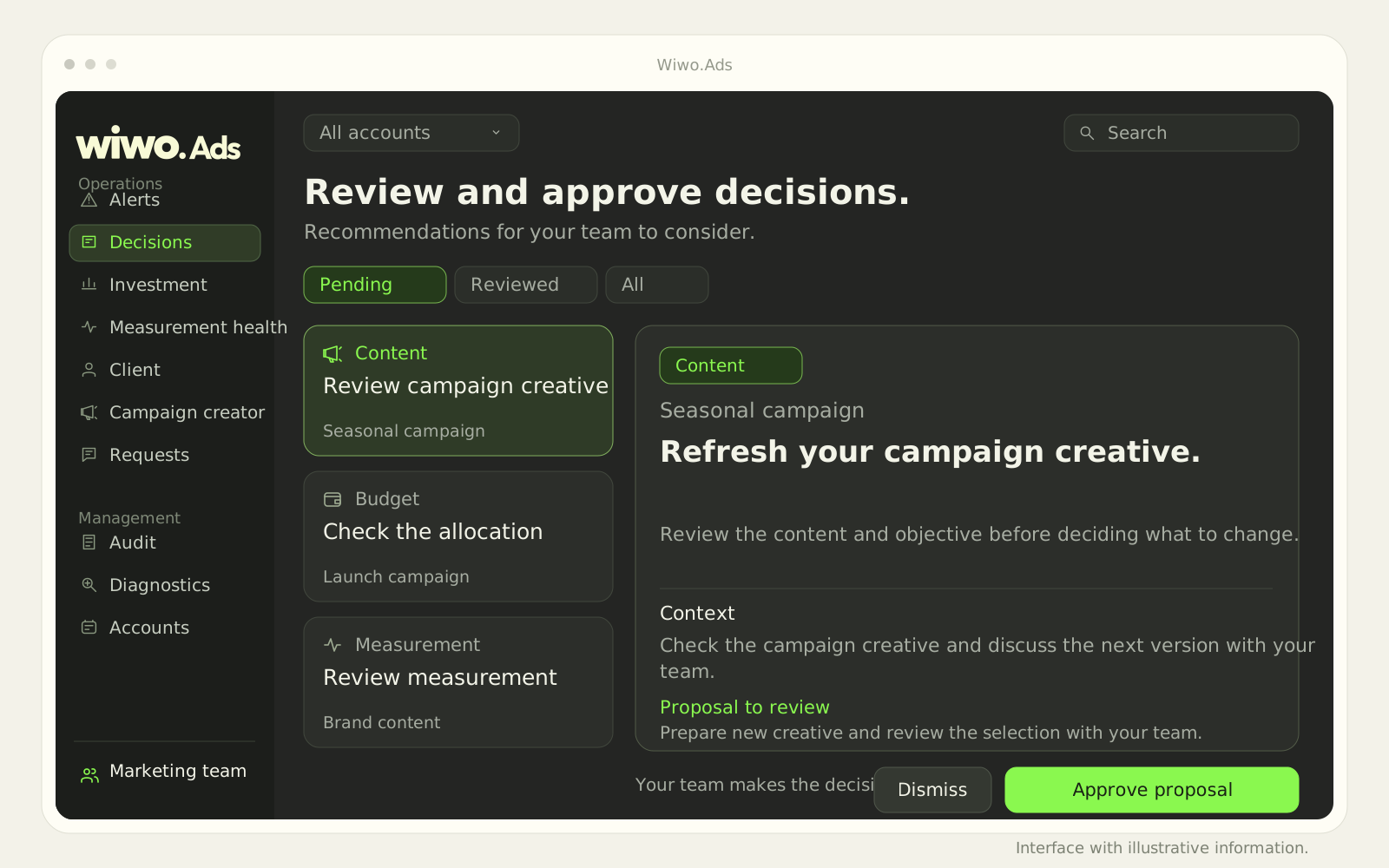
Analysis can end in an additional question or a recommendation the team wants to consider. In Wiwo.Ads, changes are presented as proposals for review and approval within configured scope. Preserve which information supported the decision and which check remains pending. The file then supports a specific conversation without turning an AI response into automatic authorization to modify investment or campaigns.
Frequently asked questions
Does attaching a CSV continuously connect MetriQ and Ads?
Do not interpret it that way. Analysis uses the supplied file. Its period, coverage and version remain necessary references for understanding the result.
Does a Thinking Orb response modify the campaign?
Changes are presented as proposals for team review. Approval and application depend on configured permissions and scope.