The best report is not the one that shows everything. It helps people understand a situation, recognize its limits and choose what to review next.
Define how the report will be used
Reporting a closing period, reviewing a campaign and selecting a content direction are different assignments. Trying to resolve them all in the same document can produce many numbers and little guidance. Write the report's question before choosing indicators.
As a hypothetical example, a team reviewing its content needs to examine posts and results as well as editorial context. Total reach may describe part of the period, but it does not explain which topic should continue or why one piece connected better with its audience.
Check which data you are bringing together
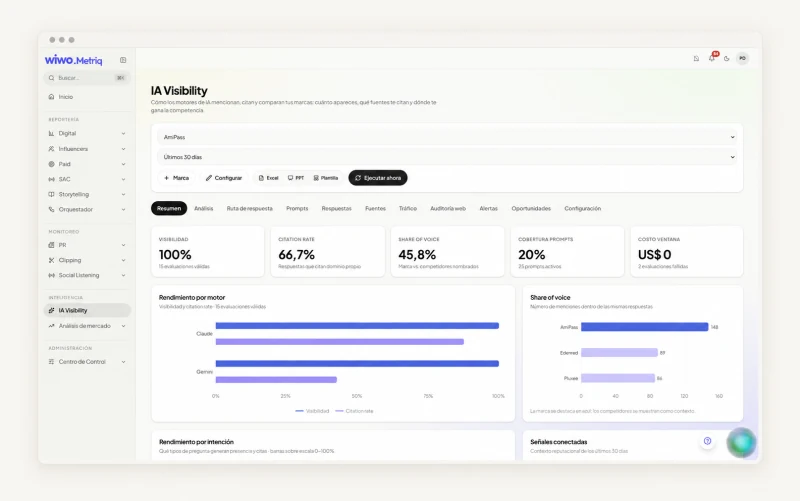
MetriQ works with connected accounts, public content and materials supplied by the team, depending on the module. That distinction matters. A metric available for an authorized account may not exist in competitor analysis. Platforms also do not all define their indicators in the same way.
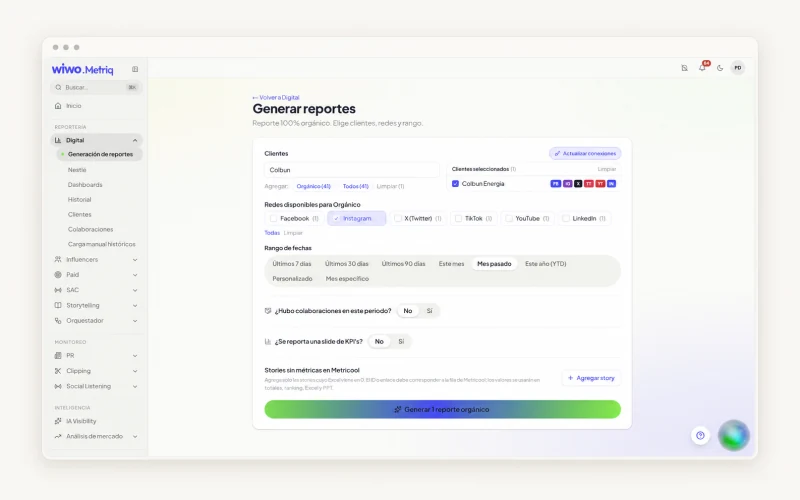
Keep the brand, network, period and source visible. If some material is missing, describe the gap. Missing information should not become a zero or be mistaken for a negative result. Connection scope shapes what the report can claim.
Look at change without losing the conditions
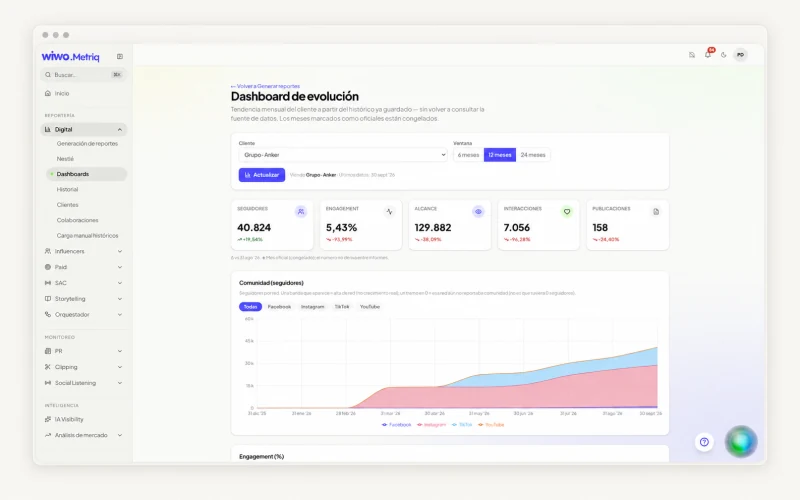
MetriQ lets you compare indicators and content between periods. Before concluding there was an improvement, check whether activity, investment or data availability changed. One period may include a launch and another routine activity; the comparison remains useful if you explain that difference.
- Compare periods that make sense for the report's question.
- Review specific posts or ads behind the result.
- Separate what you observe from the explanation you still need to test.
Write a conclusion people can discuss
A useful conclusion connects a finding to a possible decision. Instead of ending with we need to improve content, explain the observation, the hypothesis it suggests and the review you recommend. If the data does not support attributing the result to a cause, keep that uncertainty in the wording.
MetriQ dashboards and exports help prepare the conversation. Interpretation still needs people who know the campaign, publishing conditions and what happened in the business. The tool does not turn a coincidence into causal proof.
Share the analysis with the context it needs
Depending on the module, MetriQ supports dashboard sharing and Excel, presentation, PDF or ZIP deliverables. The format should serve the recipient: an executive discussion needs a different selection from a piece-by-piece content review.
Before sharing, check the figures, permissions and scope. Include the conditions needed for the report to make sense outside the meeting. A demo can review your team's sources and confirm the relevant modules and deliverables, without assuming every account will make every data point available.
Frequently asked questions
Are all metrics available for every brand?
No. Coverage depends on the module, authorized accounts and available data. Confirm that scope before defining a report.
Does MetriQ provide a definitive business recommendation?
Analysis needs contextual review by the team. Indicators and materials help assess a situation; they do not replace business knowledge or establish a cause by themselves.