
An image should clarify something about the service that the buyer still cannot picture.
Find the question behind the explanation
Consider a company selling predictive maintenance. A photograph of a machine establishes the industry, but does not explain what changes when someone hires the service. The buyer might want to know who receives a warning, how it is interpreted and which conversation it enables before a shutdown.
Choose one of those questions for each piece. Gather the language that salespeople and specialists use to explain their work in a meeting. A recognizable situation often emerges: a pending decision, a difficult document or coordination that currently depends on too many messages.
Distinguish a representation from a demonstration
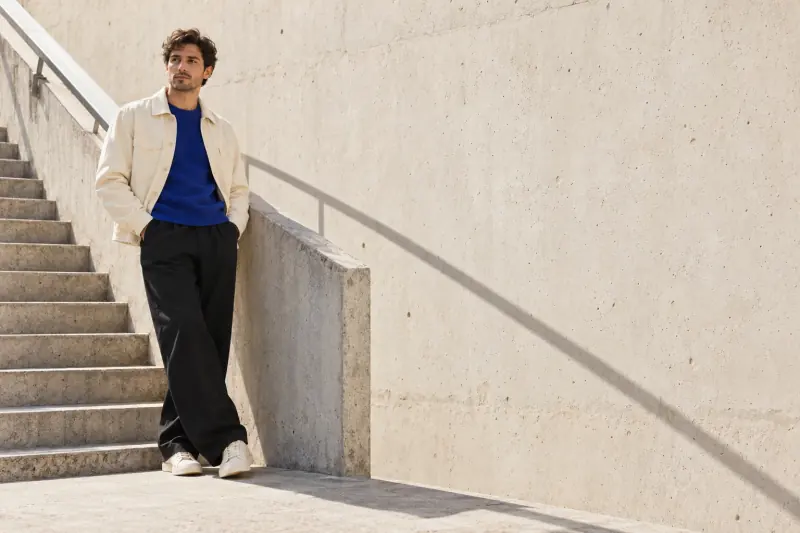
An editorial scene can suggest the care, precision or context of a service. A diagram can explain a relationship between people and information. A real capture can show a feature. Choosing between them requires knowing which claim you want to support and which materials you have available.
Avoid an invented interface when the piece is supposed to demonstrate the product. Be wary of metaphors that only their designer understands. Show the proposal to someone outside the project and ask what they think the company offers. Their interpretation is more useful than asking whether they like the image.
Build a series that supports the sales conversation
An initial contact may need to recognize the problem; a later presentation can explain the service, while a technical meeting requires evidence. One image does not have to do all three jobs. Keep a shared visual direction and adjust the level of detail to the conversation.
Check how the image and headline relate. If both repeat a vague idea, information is missing. If they tell different stories, the piece probably needs another direction.
- Write down what the buyer should understand from each piece.
- Identify claims that require real service materials.
- Leave space for a short explanation that completes the image.
Explore the visual direction with Wiwo.Lab
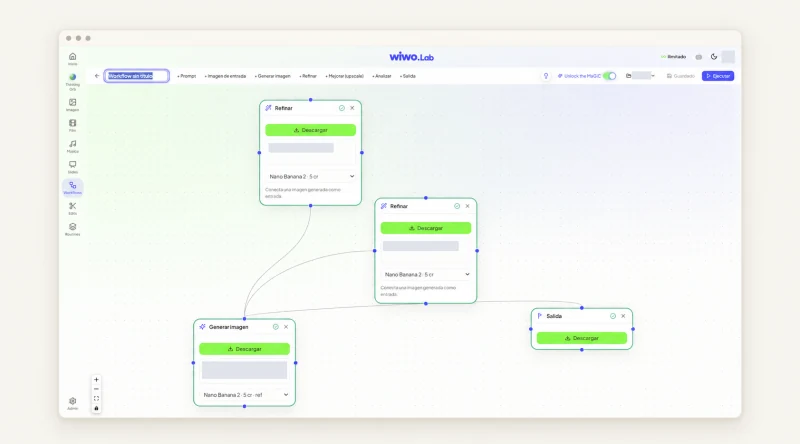
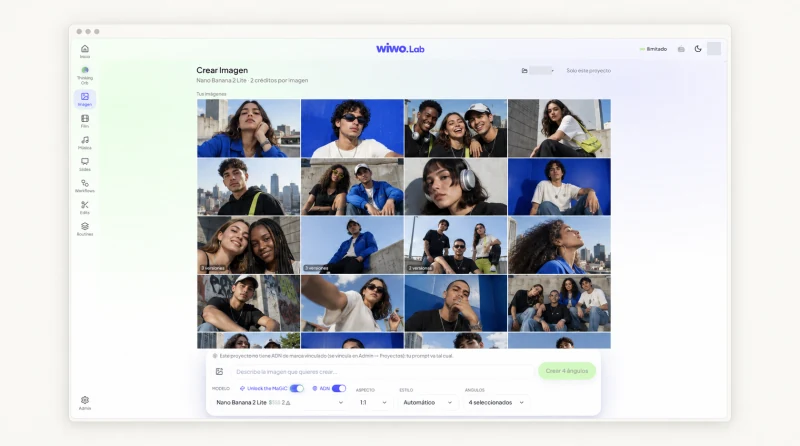
In Wiwo.Lab you can gather references, develop an idea with Thinking Orb and create image versions from a description or authorized materials. Brand context helps retain a shared reference while the team compares framing, environments and visual treatments.
Bring the buyer's question to the review alongside each proposal. The aim is to choose the scene that makes the offer easier to understand without adding nonexistent capabilities. To explain specific features, include real captures or materials and review with the specialist what the piece can legitimately claim.
Frequently asked questions
Should a technical service use a visual metaphor?
It can help explain a specific idea. Test it with someone unfamiliar with the offer and avoid presenting it as a demonstration of how the service works.
Can Lab replace real product captures?
Generated images help explore an editorial direction. When you need to show how a tool works, use real, reviewed product materials.