A priority becomes credible when the work it displaces is also clear.
Ask what happens if the request waits
One client requests an update that afternoon; another asks for a correction blocking an agreed presentation. Both messages may say urgent, but their consequences differ. Before reorganizing the team, clarify what needs resolving, which deadline actually exists and who is affected. Every request need not become an interrogation. A question about how the delivery will be used often reveals whether there is an external commitment, a preference or a dependency requiring attention.
Compare the new assignment with committed work
The decision is not about an isolated request. Review what is in progress, who has capacity and which delivery would need to move. If the need can be addressed another way, offer that alternative before interrupting complex work. A useful answer might be a limited version today and a complete delivery later, provided both sides understand. Whoever accepts the change needs visibility into the commitment being replaced and the authority to agree to it.
Make the decision visible in Wiwo.Ops
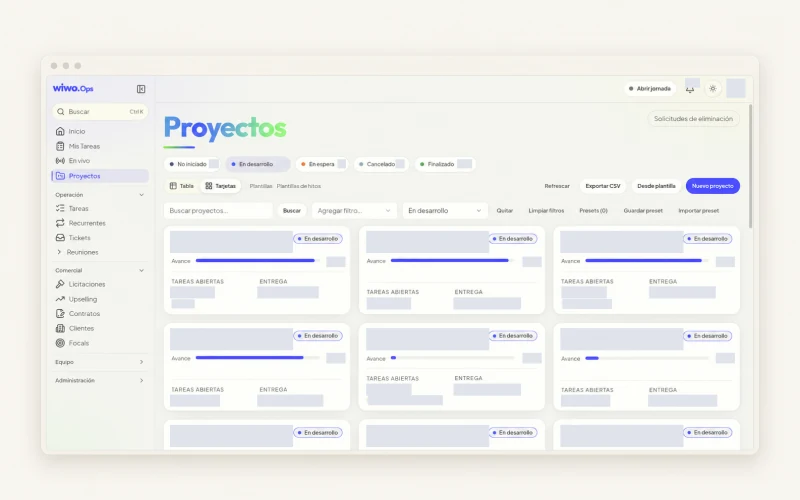
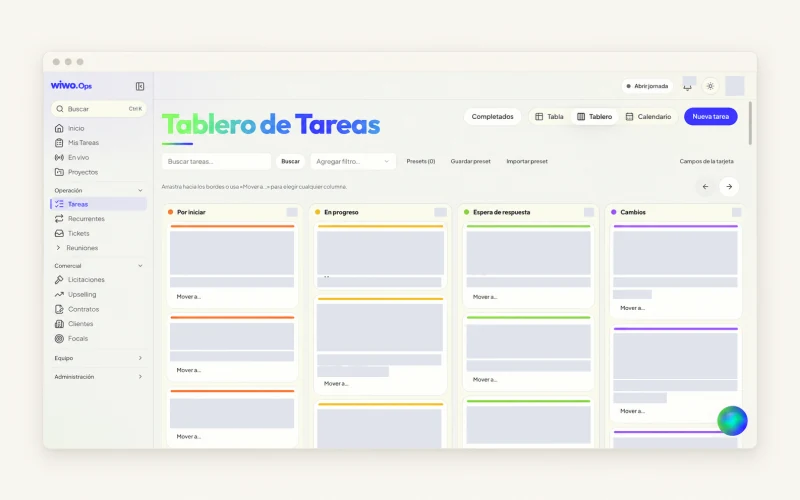
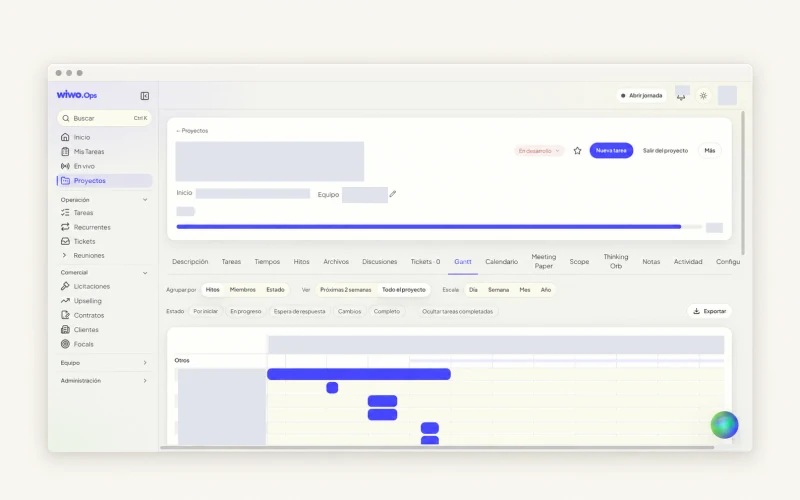
Wiwo.Ops organizes tasks with priority, owner, status and deadline, with table, board and calendar views. Comments and blockers preserve the reason for a decision alongside the work. The view does not decide which client matters most: it helps the team review commitments before changing them. During a demo, test two requests competing for the same person. Check how the new order would be recorded and what information the person facing a changed delivery date would need.
Keep priority from depending on who insists most
When every team member receives requests separately, the most accessible people often have the least stable schedules. Bring work into a view that supports a conversation about status, owner, date and blockers. Agree who reviews new requests and when an active delivery may be interrupted. You do not need a category for every shade of urgency. You need a clear criterion that can be applied to the next message, even when the person who usually solves everything is absent.
Frequently asked questions
Is marking a task urgent enough?
No. The label needs a reason, a date and a decision owner. Explain which delivery or commitment changes when it is handled first.
Should an urgent request be accepted if the team appears to have free time?
First check scope and dependencies. An apparent gap may be reserved for reviewing a delivery or waiting for information needed by another commitment.