Approving a campaign makes sense when its owners can explain what will change and what they have checked.
Start with an intention the team shares
Launching a campaign to get more results sounds reasonable but leaves almost everything undefined. Explain which business need drives the campaign and what response is expected from the audience. That intention helps assess whether the message and settings point in the same direction.
In a hypothetical brief, introducing a service and receiving sales inquiries may require different decisions. The objective should be clear before a proposal is assessed. Do not wait until a campaign is prepared to discover that people were working from different briefs.
Check the platform and account before entering the detail
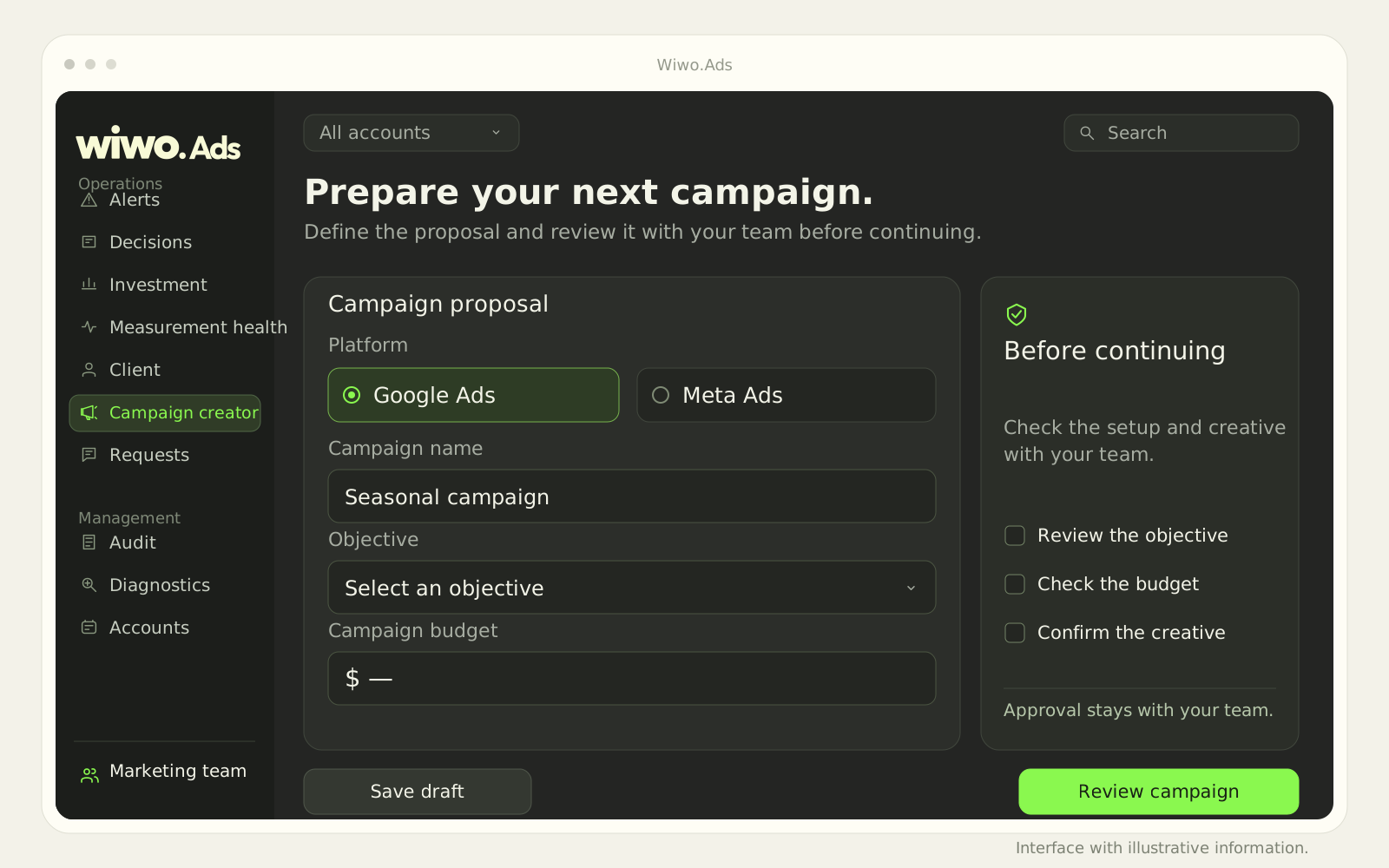
The Wiwo.Ads campaign builder lets you choose a platform and account, define an objective and complete guided setup. The published scope covers Google Ads and Meta Ads; enabled functions depend on the platform and connected permissions.
The review should confirm that the right campaign is being prepared for the right client. Complete fields do not prove the settings represent the brief's intention. Open the detail and check what each owner needs to validate, especially when more than one team participates.
Review the message in relation to its destination
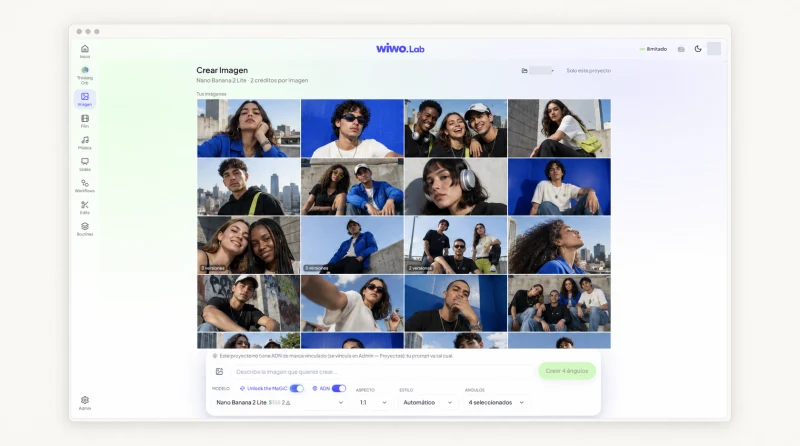
A piece may be well designed and still promise something the subsequent journey does not offer. Before approving, review the message, materials and destination with people who know the service or product. This is a working criterion for the team, not a claim that the platform automatically checks every condition.
- Confirm that the message matches the current offer.
- Check the materials and permission to use them.
- Review whether the next step is understandable to the person seeing the ad.
Give each owner a specific review responsibility
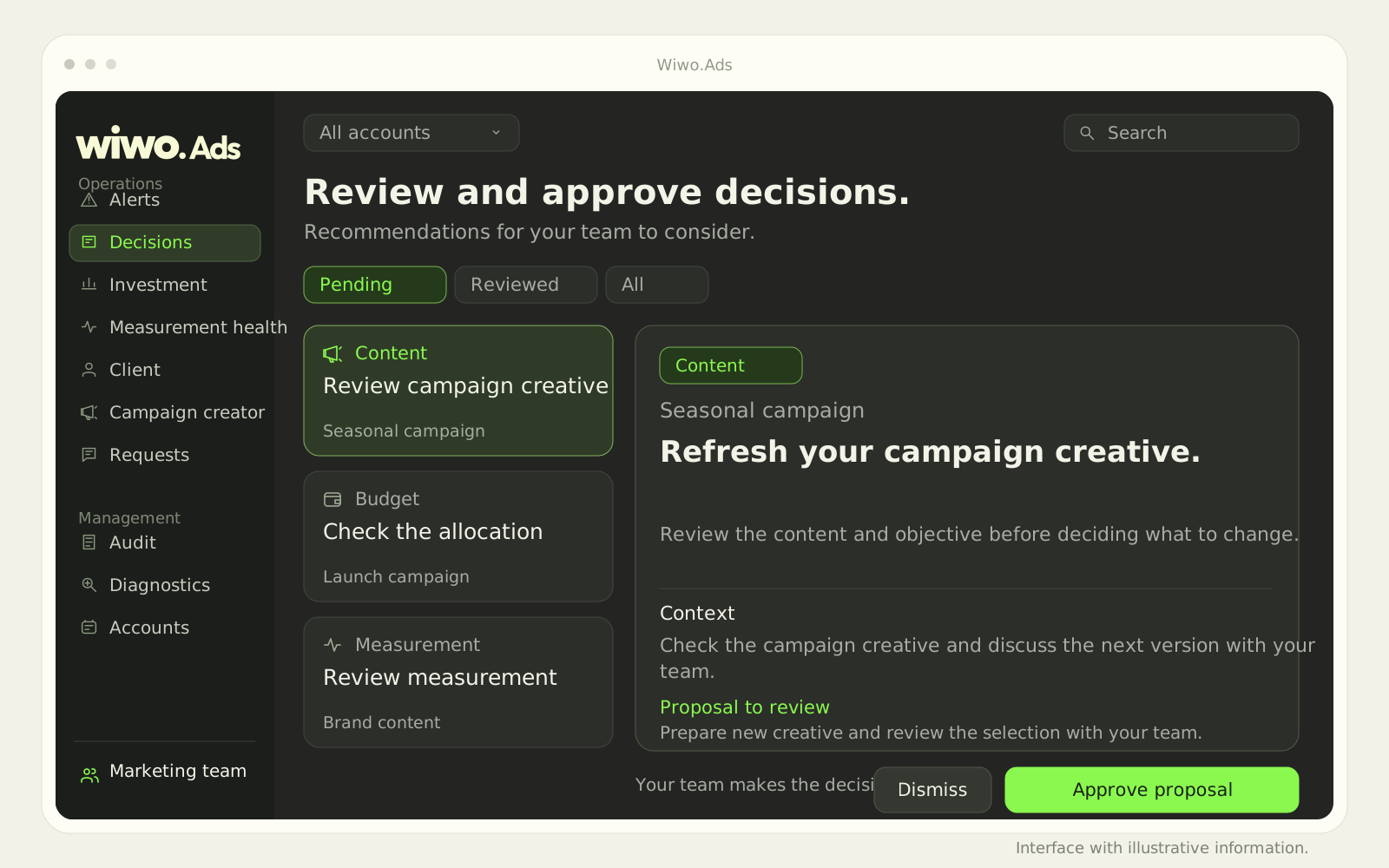
Ads lets planned publications or changes enter a request and approval journey. Agree on what each person checks: a creative review does not necessarily validate budget, and investment approval does not replace content review. Implementation defines authorized people and actions.
When a correction arises, explain what must change before continuing. Avoid treating a general approval as permission to modify any part of a campaign. The request's scope should be understandable without reconstructing the entire conversation.
Check what happened after approval
Approved requests may be applied on the connected platform according to permissions, and the journey retains information for reviewing the change. Check the relevant status before communicating that a campaign is live. Approving an intention and verifying its result are different moments.
A demo can walk through the builder and review how it fits your approval process. Confirm which reading and editing functions are available for your accounts. The purpose is to prepare a campaign the team can review clearly while retaining control over the decisions being authorized.
Frequently asked questions
Does guided setup replace reviewing the brief?
No. It helps prepare a campaign, but the objective, creative and scope need validation by the people responsible.
Does approving a request mean any change will be applied?
Do not assume so. Application depends on the action type, platform and connected permissions. The team should check the status and scope of each request.