A useful recommendation is not an order. It is a proposal the team can understand, check and decide whether to apply.
Check which problem the proposal aims to address
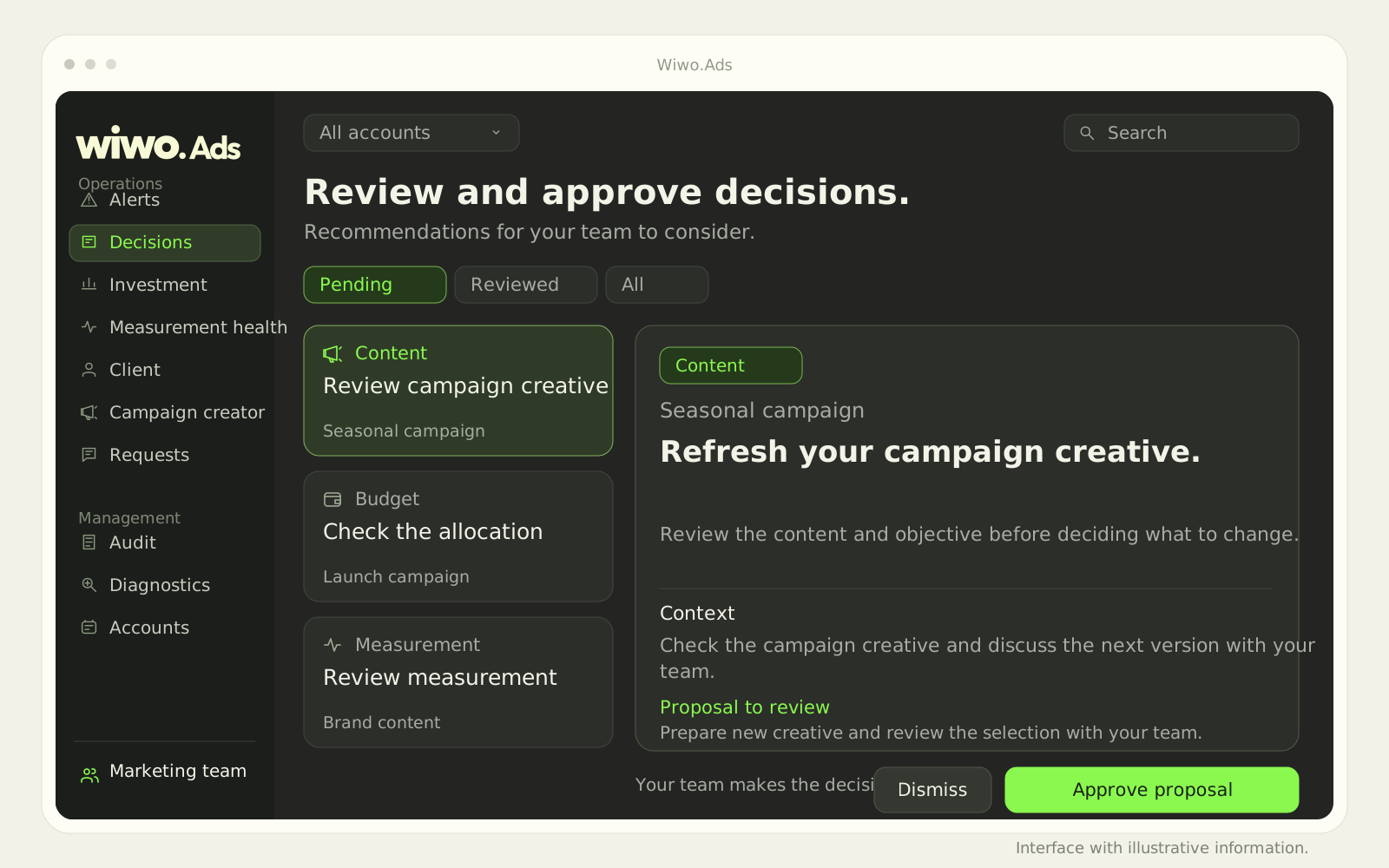
Before approving a change, read what was observed and which action is proposed. A budget recommendation has a different meaning if the campaign seeks a result different from the one the team is reviewing. Wiwo.Ads brings proposals together with priority and context for examining the detail.
As a hypothetical example, a suggested change may appear reasonable for a campaign yet conflict with a recent business decision. The platform does not replace that business information. The reviewer needs to know which objective still applies and which condition might change the interpretation.
Check the context against the campaign
Ads lets you review the rationale, proposed action and estimated impact, and open the platform reference to check the information. An estimate is not an observed result or a performance guarantee. Check the information accompanying it before using it to justify a decision.
Review the account, client, platform and period. If the context does not match what you intended to change, stop and clarify it. Precision about the campaign matters more than a proposal's convincing appearance.
Check whether the data supports the interpretation
The measurement health module distinguishes passing checks, warnings and failures. That information helps identify situations needing review before interpreting results or preparing adjustments. A warning does not automatically explain performance, but it should not be left outside the conversation either.
- Check the recommendation's period and account.
- Review related measurement warnings.
- Distinguish the observed result from the effect expected.
Approving, rejecting or deferring also requires judgment
Wiwo.Ads lets the team decide how to continue a proposal. It can approve, reject or review it later, according to configured options and permissions. Not every recommendation needs immediate action. Some require checking information or coordinating a decision with the account owner.
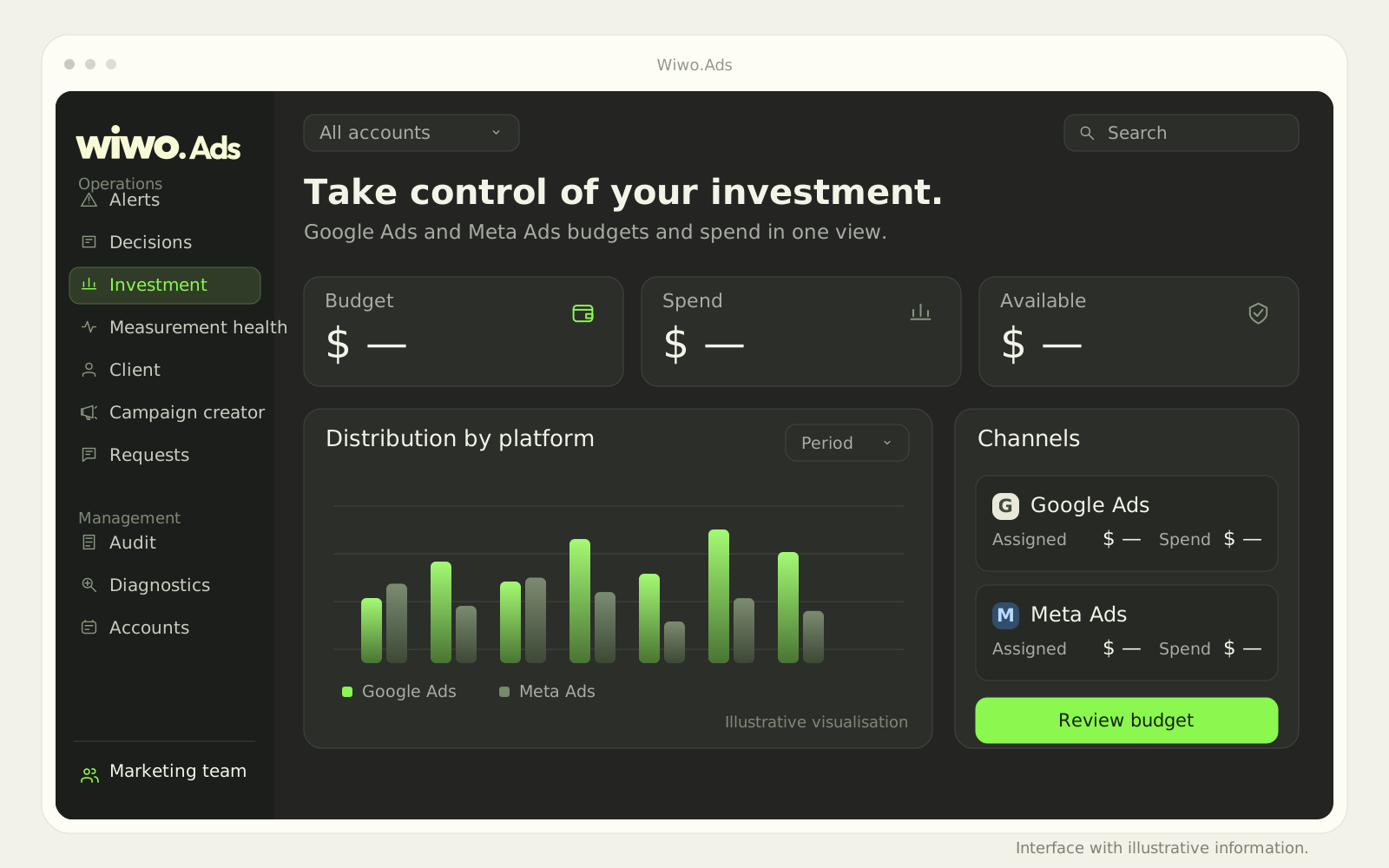
Budget changes are reviewed in the editor before application. Keep clear who owns approval and what they need to check. The process should make the reason for a change understandable, not merely show that someone pressed a button.
After the change, return to the original question
The audit history lets you review recorded requests, decisions and changes, with the available before-and-after detail. Use that reference to check what happened and prepare the next review. Do not automatically attribute every later variation to the approved change: other conditions may also have changed.
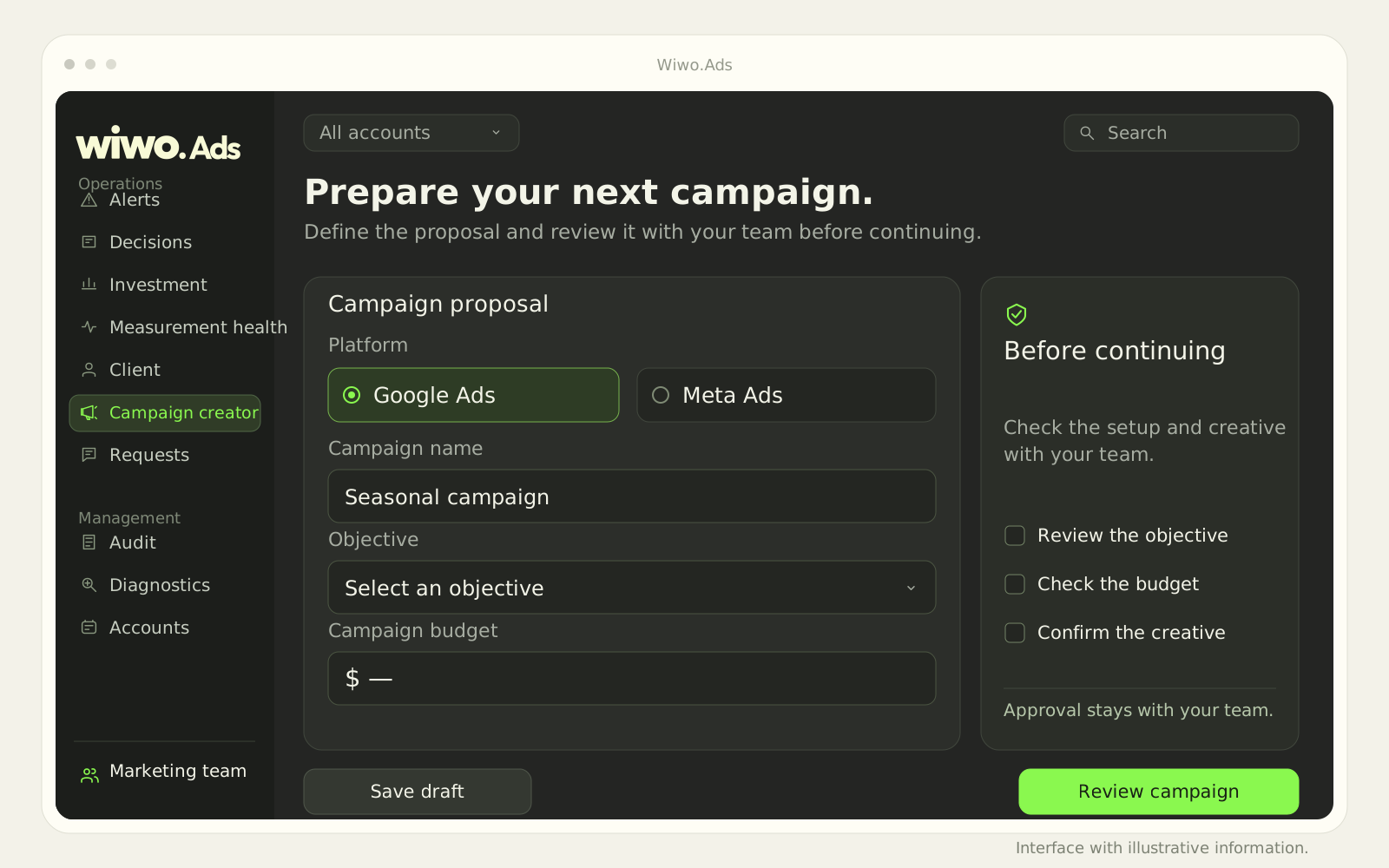
An Ads demo can walk through decisions, investment and campaigns using your approval process as a reference. Reading and editing functions depend on the platform, accounts and agreed permissions. Human control needs understandable information, not rushed approval.
Frequently asked questions
Does estimated impact ensure improvement?
No. It is an estimate to review with context, not a guarantee or observed result. The team must check it before deciding.
Which platforms does Wiwo.Ads cover?
The published scope covers Google Ads and Meta Ads. Reading and editing functions are confirmed according to the platform, account and connected permissions.