A budget needs a conversation with context: what was agreed, what is happening and which decision needs review.
Before adding figures, check what you are comparing
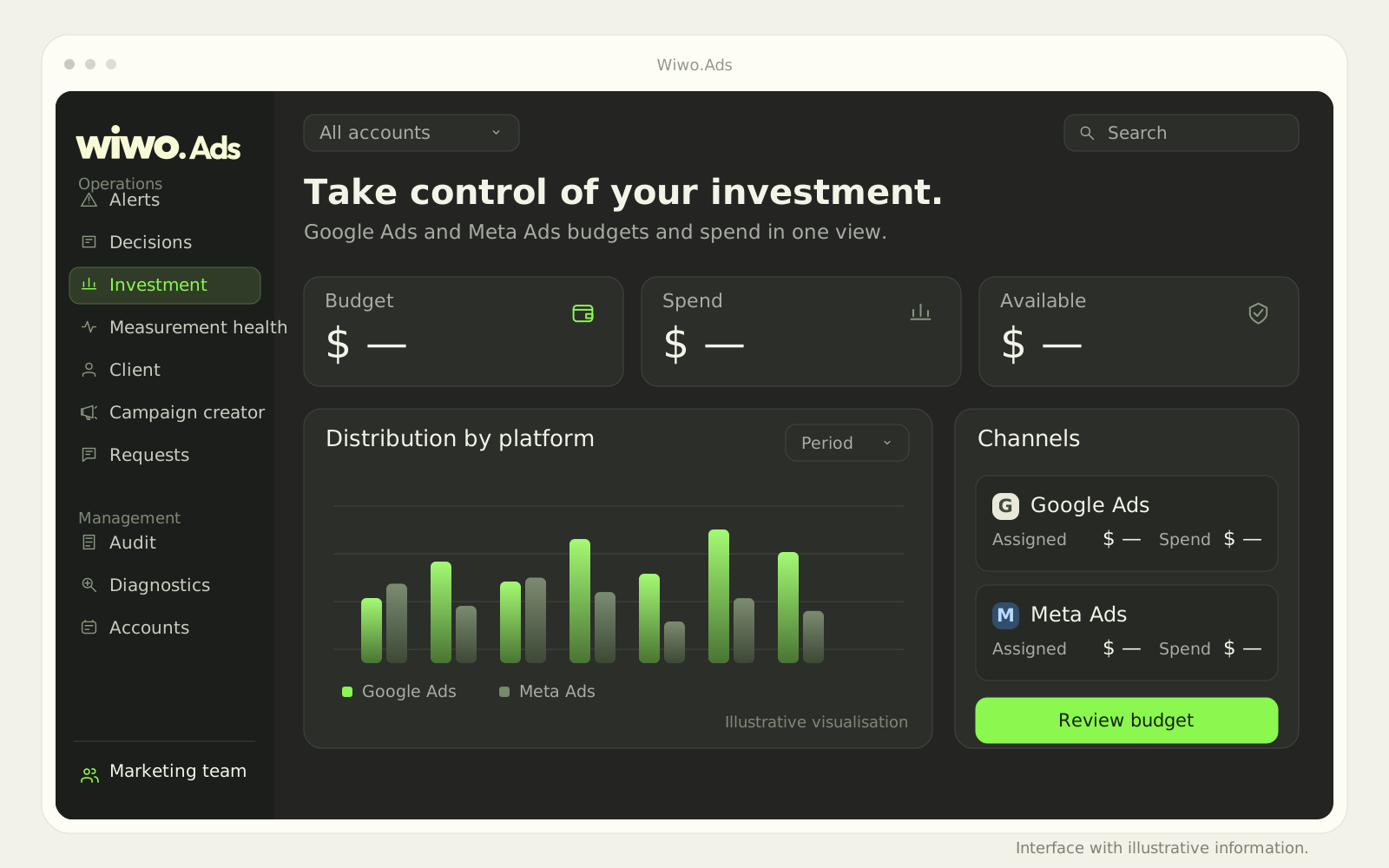
An investment review should start with the right account and period. Wiwo.Ads brings spend and budgets together by platform and lets you move from an overview to a client's context. That reference avoids discussing figures from different accounts or moments.
In a hypothetical example, a launch campaign and an ongoing presence campaign may deliberately have different budgets. A larger figure is not enough to conclude there is a problem. First recover the agreement guiding each investment.
Distinguish the defined budget from observed spend
The budget expresses an investment decision. Spend shows what happened during the selected period. Reviewing them together helps prepare questions: are we following the agreed scope, does a change still need approval, and does this view correspond to the date under discussion?
Do not turn a difference into an automatic explanation. It may require reviewing settings or campaign context. The responsible person should check the detail before proposing an adjustment that affects the client or the team's work.
Avoid deciding simply because one platform spent more
Google Ads and Meta Ads may serve different purposes in a plan. Comparing their investment helps show the allocation, but spend alone does not establish which channel contributed more to the objective. That discussion needs relevant results and measurement conditions.
- Keep the objective in view when reviewing each campaign.
- Check whether the metrics support the proposed comparison.
- Clarify which conclusion is supported and which remains a hypothesis.
Treat a budget change as a shared decision
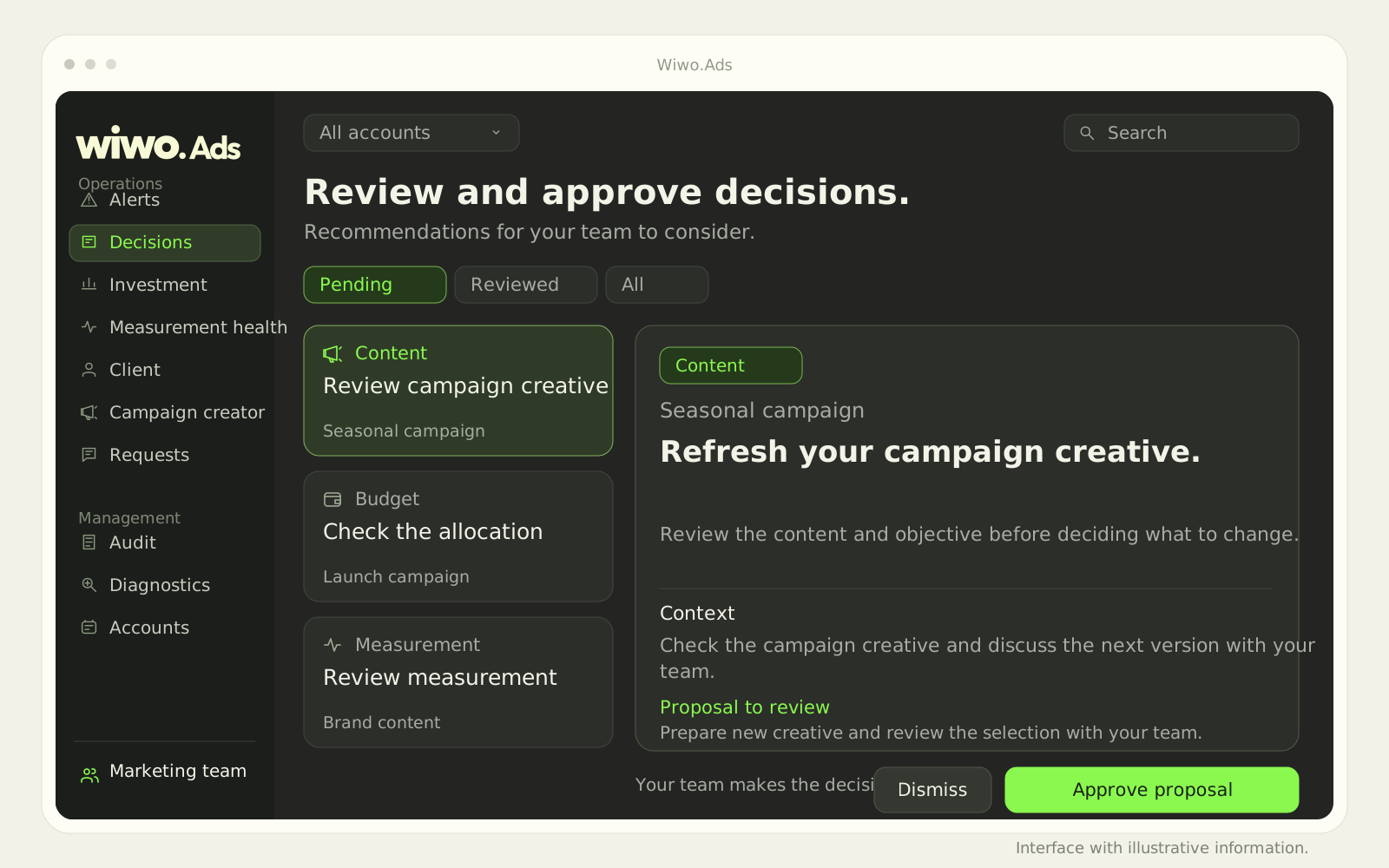
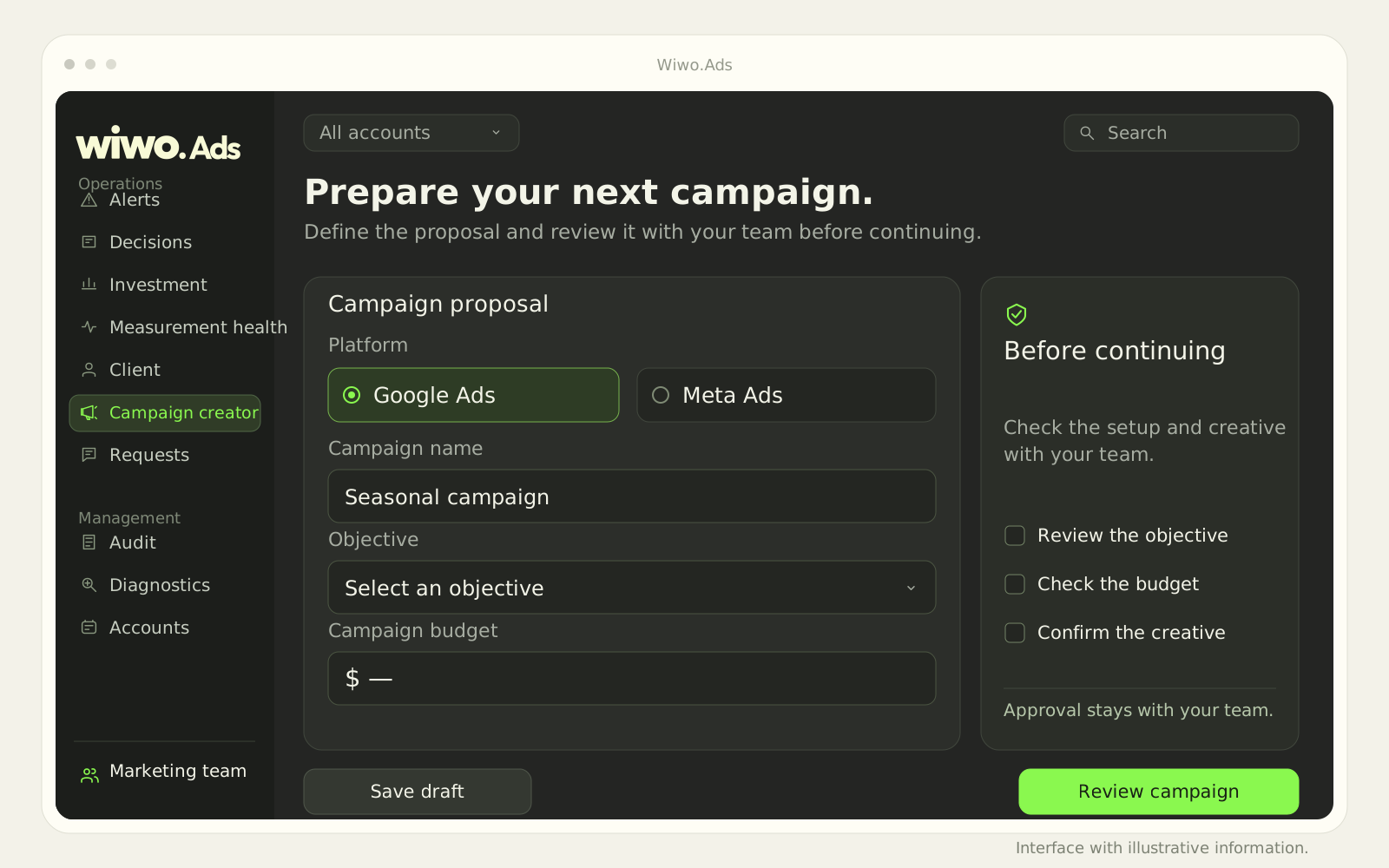
Wiwo.Ads supports requests, approvals and change reviews according to permissions. If investment may change, check who should participate and which condition is being altered. The editor allows budget changes to be reviewed before application; the team retains responsibility for approval.
An alert can help identify something needing attention. It does not replace validating the account, amount or business agreement. If information is missing, clarify it rather than approve a change nobody can explain.
Keep a reference to what was decided
Ads history lets you review recorded actions and changes with the available detail. That reference helps prepare a later conversation: what was approved, who participated and what to observe next. Campaign results still depend on more factors than budget.
A demo can show how investment and accounts are read in your operation and which actions are enabled. Scope depends on connected platforms and permissions. Bringing figures onto one screen makes them easier to find; interpreting them carefully remains the team's work.
Frequently asked questions
Does the investment view show which platform is more profitable?
Not by itself. Spend and budget describe investment. Performance assessment needs comparable objectives, results and measurement conditions.
Can anyone change budgets?
Do not assume so. Permissions and approvals are agreed during implementation. Changes are reviewed according to each account's configured scope.