The reference clarifies what you want. The team's judgment determines what to keep, what to change and what should never reach the final piece.
Explain what interests you in each reference
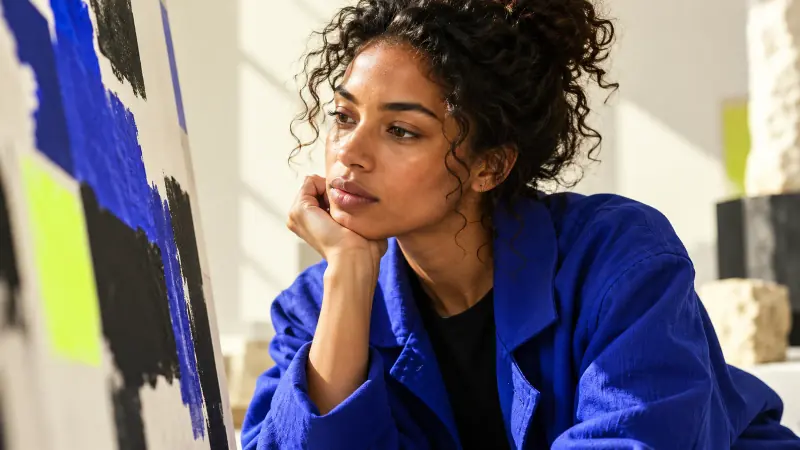
A folder full of images can inspire and also confuse. If you like one example for its lighting and another for its composition, say so. Do not assume everyone sees the same thing. Separating those attributes helps build a visual direction that people can discuss and adjust.
For example, a hypothetical product brief might call for soft light and an uncluttered background without adopting another brand's identity. A written description sets boundaries for interpretation and makes clear what you are not looking for.
Gather references you are allowed to use
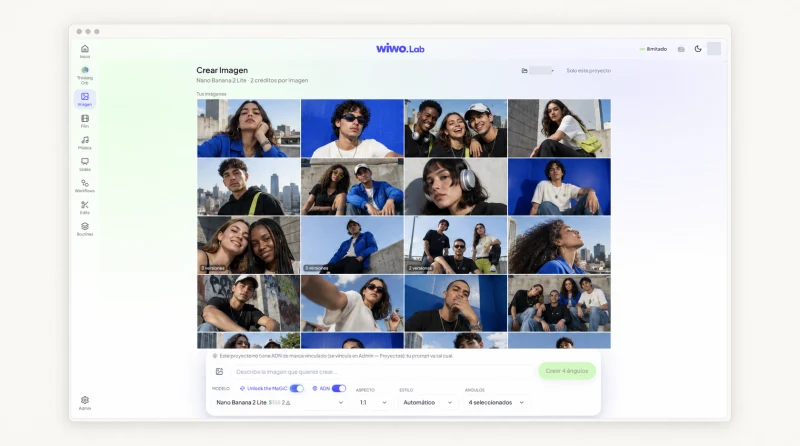
Lab lets you add references to image creation and keep the work within a project. Before using them, review their origin and your permission to use them. An image found online may help discuss a trend, but that is not the same as having permission to include it in a production.
Also check for people, products or identity elements belonging to others. Access to a generation tool does not settle usage rights or replace the review your organization may require before publication.
Turn a general impression into a visual decision
Instead of asking for something more modern or more premium, translate the intention into observable elements. You can describe camera distance, contrast, the number of objects or the relationship between product and background. Specific controls depend on the tool and model available in Lab.
- Describe the role of the product within the frame.
- Identify the lighting, materials or atmosphere you want to explore.
- Note the detail in the result that needs correction before another version.
Build on the selection instead of always starting over
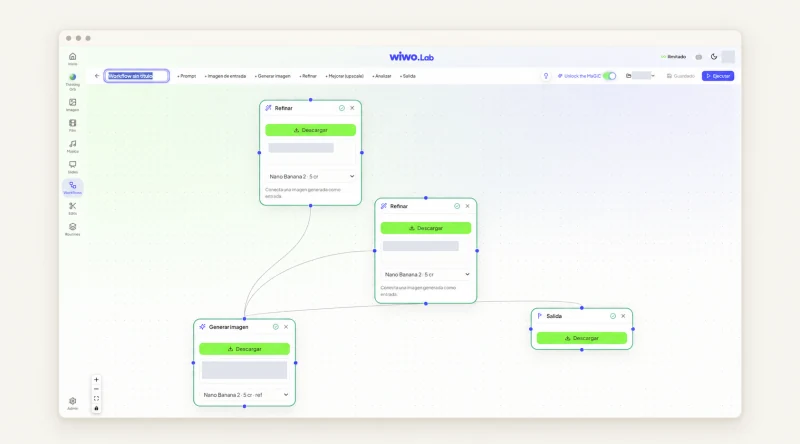
Lab offers image adjustments and visual Workflows to connect generation and refinement steps. This lets you follow a direction rather than treating each result as an isolated idea. The team can review what happens at each step and decide whether to go back.
Do not confuse continuity with perfect identity across every output. Generated results need review, especially when product or character consistency matters. A similar version may preserve the atmosphere while changing an important detail.
Look at the image as its audience will see it
The enlarged image in the studio is not the only place where it needs to work. Check what happens when you add copy, resize it or place it alongside other pieces. If its most appealing detail disappears in the publishing format, it may not be the best choice for that use.
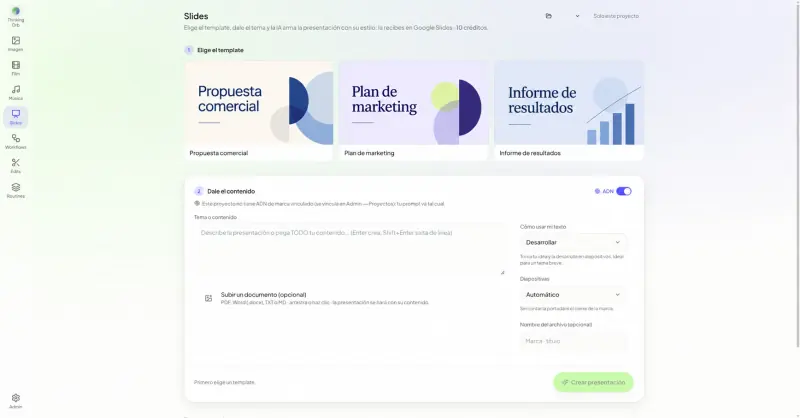
Visual direction becomes clearer when someone can explain why they chose that composition. In a Lab demo, you can try an authorized reference and check the creation, review and editing journey your team needs, with the limits visible.
Frequently asked questions
Does a reference guarantee an identical result?
No. It guides exploration, but results can vary. The team must review product consistency, visual details and the final use of each piece.
Does Workflows replace art direction?
No. It connects creation and refinement steps. Intention, selection and approval remain creative decisions for the team.