A view is useful when it answers the team's question. Changing the format does not replace an agreement on priorities, dates and owners.
Start with what you need to review
Do you want to know what is in progress, what is due or how the project is arranged over time? These are related but different questions. Always opening the same view can turn a discussion about dates into a reading of statuses that never resolves the outstanding commitment.
In a hypothetical launch project, production might need to review work in progress while account management needs the dates it will communicate to the client. They do not need contradictory information: they need to look at the same work from an angle useful to each decision.
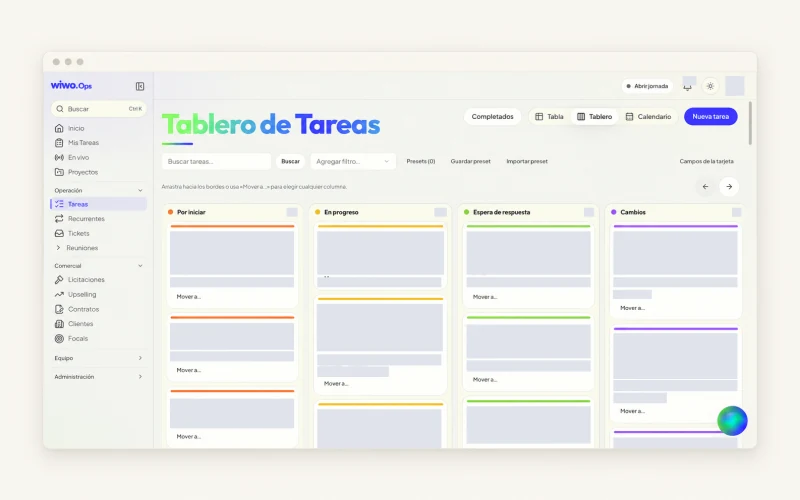
Use the board to discuss the state of the work
The Ops board organizes tasks by status. It helps identify what is pending, what is underway and what needs review. Its value depends on statuses having a shared meaning. In review should not mean ready to one person and still needs finishing to another.
Open the detail when you need to understand a blocker, a comment or a deliverable. Moving a card does not explain the quality of a piece or why it could not progress.
Use the calendar when the question is what happens on a date
A calendar makes it easier to review the period's deliveries and discuss days with overlapping commitments. Ops also supports table views and saved filters. Choose the combination that helps your team find what matters without walking through the entire project.
- Check whether the date represents a review or final delivery.
- Review who needs to participate in the period's commitments.
- Discuss changes with the people affected before communicating them.
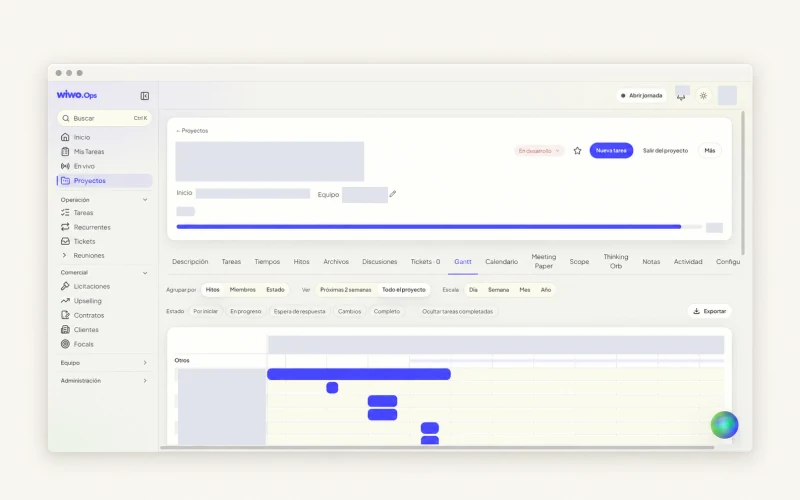
Open Gantt to review the project over time
The Ops Gantt view shows the schedule and allows it to be exported. It is useful for bringing dates together before agreeing to a delivery or reviewing a change. A broad view may reveal several activities occupying the same period, but should not be read as an automatic assessment of project feasibility.
Assigned workload and recorded time provide another part of the context. Consult them alongside a conversation with the team. A schedule with apparent space may still depend on information or a review that is not yet available.
After looking, make clear what changes
A review is useful when it ends in a recognizable next step. If a date moves, check who needs to know and which delivery it affects. If a new priority appears, explain which work will wait. Keep the decision near the project so the next review does not start from scratch.
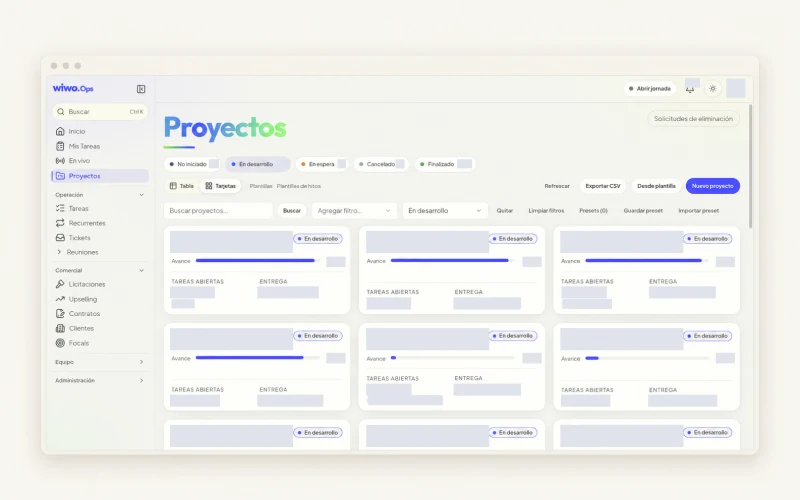
You can start with templates or copy projects in Ops, but the plan must fit the current brief. In a demo, walk through a representative project, explore its views and confirm the scope permitted by access settings. The screen organizes information; the team still agrees on what it can commit to.
Frequently asked questions
Does the whole team need to use a single view?
No. Ops offers different views of the work. Agree on what statuses and dates mean, then use the format that answers each review's question.
Can I export the schedule?
The published scope includes Gantt and calendar exports. The demo can confirm the formats and permissions available to your organization.