A meeting leaves clear work when people recognize their agreements in the minutes and understand the next step.
Distinguish an idea from a commitment
Meetings mix questions, proposals and decisions. We could review the campaign does not carry the same weight as we agreed to review the campaign before publication. If the minutes turn both into commitments, they start organizing work nobody confirmed.
For example, a hypothetical review might produce several alternatives and just one selection. At the end, read back what was agreed, what remains open and what information is missing. That clarification makes any later summary easier to review.
Use audio or notes with a clear purpose
Ops lets you record or upload audio, paste notes and request minutes or a transcript. AI prepares attendees, topics, agreements, owners and next steps. The input material must be used with your organization's authorization and rules; a recording feature does not replace that decision.
A transcript retains more detail of what was said. Minutes organize the conversation for continuation. Choose what you need and check names, specialist terms and passages where a sentence may have been ambiguous before sharing the document.
Confirm the meaning as well as correcting the writing
A sentence can sound good and still fail to represent the decision. Ops lets you edit minutes, comment and request AI changes. Review should verify that owners recognize the commitment and that dates were not inferred from an incidental mention.
- Check who participated and what was actually agreed.
- Separate confirmed decisions from open questions.
- Correct passages where the summary lost an important condition.
Turn only the agreements that need it into tasks
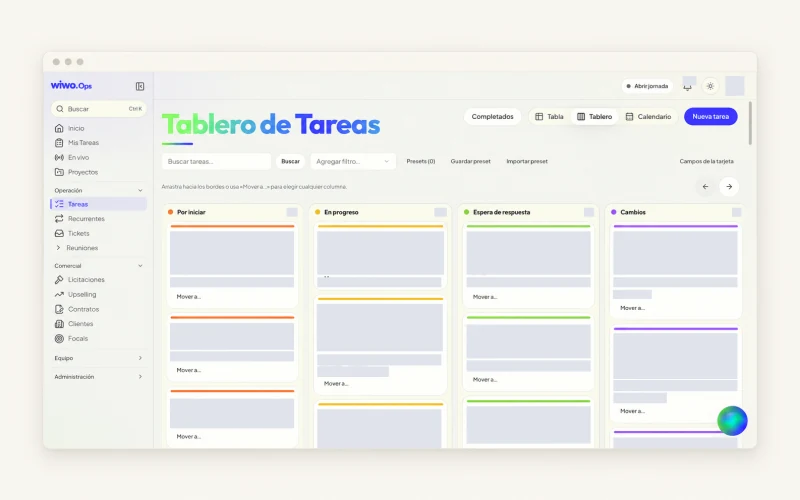
Ops can propose tasks from a meeting for the team to decide which to create. Before confirming, check the brief, owners and commitments. Some decisions simply update project context; others need a specific deliverable. Creating a task for every sentence adds noise.
If an agreement depends on pending approval, keep that visible. Human confirmation allows that nuance to be checked before work is added. AI helps prepare the proposal while people remain responsible for what they commit to doing.
Share a version that makes the conversation easy to resume
Reviewed minutes can be downloaded as PDF or Word and translated into English or Chinese. Check the translation too before using it for sensitive commitments. Sharing a document does not mean everyone has understood or accepted a scope change.
At the next review, return to open agreements instead of reconstructing the meeting from memory. An Ops demo can walk through the process with authorized material and check access permissions. The aim is for the record to help continue the work while preserving what the team meant.
Frequently asked questions
Can I work in Ops without recording a meeting?
Yes. You can paste notes to prepare the minutes. The team should review the result and confirm the agreements it wants to retain.
Are all suggested tasks created?
No. People review the proposals and choose which to create. Check owners, dates and scope before confirming.